Last updated: October 23, 2026
Robotics Kits for Kids: What to Compare Before You Buy starts with a quick answer: the best kit is usually the one a child can finish, understand, and rebuild without constant adult rescue. Robotics kits for kids are worth buying when you compare build complexity, coding depth, and parts quality before you look at the box art. The right kit should match the maker’s age, patience, and reading level, not just the age printed on the front.
Key takeaways
- The best kit is usually the one a kid can finish without constant adult rescue, then rebuild without losing interest.
- Assembly matters as much as coding: some kits snap together in minutes, others need screws, wires, and a steady hand.
- A coding block language is usually the right entry point; text coding only helps if the maker is ready for it.
- Sensors and motors sound exciting, but the real question is whether the kit teaches what they do in a way that makes sense.
- Battery choice affects how often the kit gets used and how annoying setup becomes.
- A cheaper robotics kit can still be the smarter buy if it has better instructions, spare parts, and a cleaner learning path.
What kind of robotics kit matches the maker’s level?
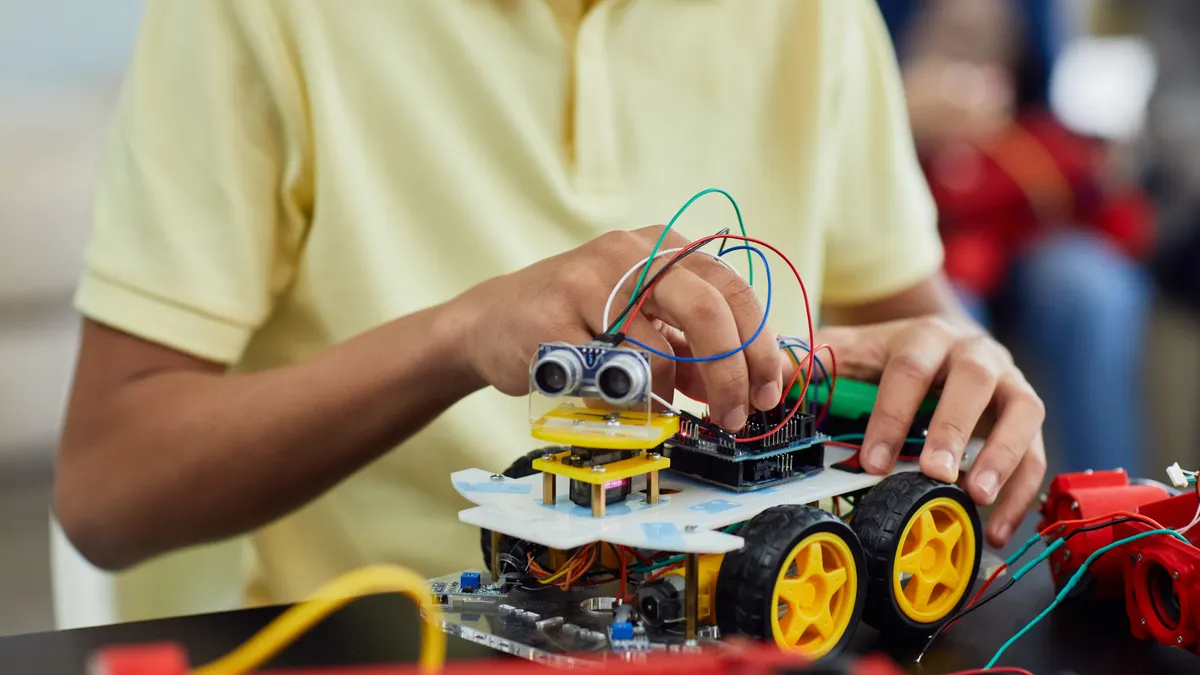
The right robotics kit matches what the maker can build, read, and troubleshoot in one sitting. Start with the hardest part of the kit, not the nicest photo on the box.
A 7-year-old who likes quick wins needs a different kit than a 12-year-old ready for gears, screwdrivers, and branching code. Age labels on packaging are broad hints, not guarantees. A kit marked 8+ may still be too fiddly if it uses tiny fasteners or loose wiring. A kit marked 10+ can be too simple if the user already knows how a motor and sensor work.
I would sort kits into three practical levels:
-
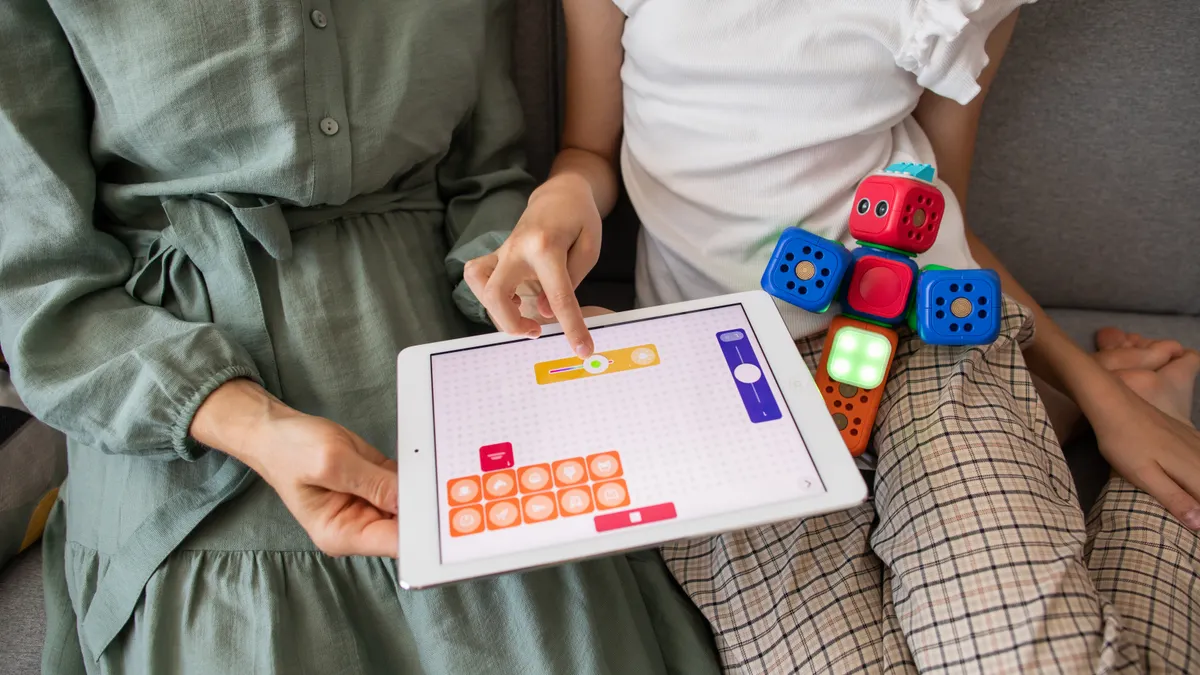
Snap-together starter kits
These use large parts, minimal wiring, and simple builds. They fit younger makers or first-time buyers who need a result in 20 to 30 minutes, not a weekend project. -
Build-and-code kits
These add gears, axles, a controller, and one or two sensors. They suit kids who can follow a multi-step manual and do not mind revisiting a build after a mistake. -
Open-ended robotics systems
These usually support more sensors, more complex programming, and rebuilds into different robots. They are better for older kids who want to experiment rather than just complete one model.
The wrong match costs attention. Too simple, and the kit gets shelved after one afternoon. Too complex, and the adult becomes the builder while the kid watches. If the maker cannot read a diagram, search through a menu, or keep track of six or more parts at once, choose down, not up.
How much assembly should a robotics kit require?
Assembly should be enough to feel like building, but not so much that the first project turns into a repair job. A good middle ground is a kit that needs roughly 15 to 45 minutes for the first model and makes the layout of the motor, controller, and sensor obvious.
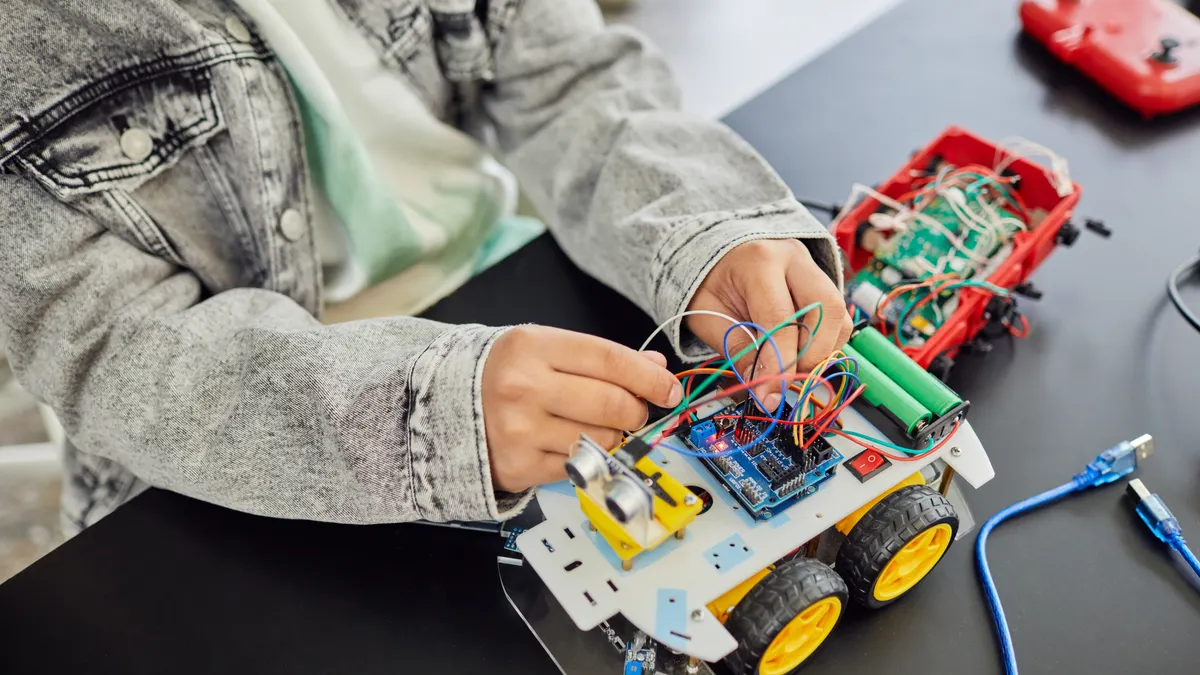
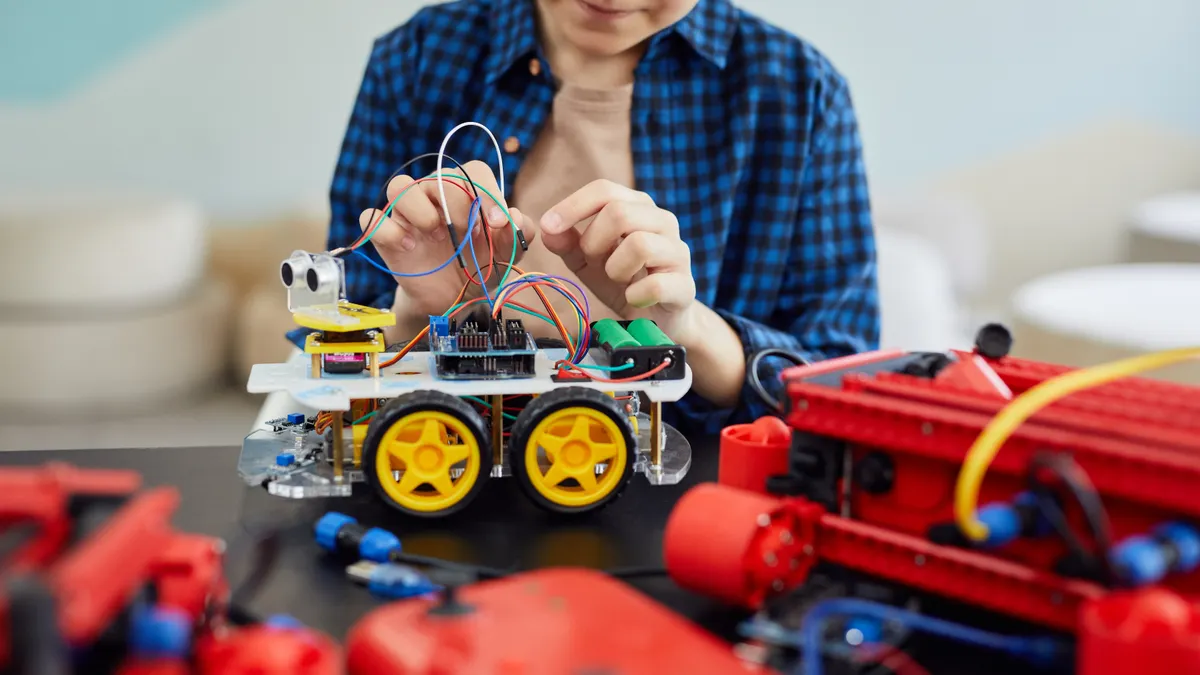
Look closely at how the kit handles hardware. Screws, snap-fit beams, plug-in wires, and pre-labeled ports are easier to manage than loose breadboard-style connections. If the kit includes a controller, check whether the ports are named in plain language or buried in symbols. A port labeled “A,” “B,” or “1–4” is easy enough if the manual is clear. A port scheme that depends on guesswork makes assembly harder than it should be.
The same goes for parts count. A kit with 25 pieces may be friendly; a kit with 250 pieces may still be fine if the manual is excellent and the bagging is organized. What matters is not the raw number alone but whether the child can tell one piece from another without adult sorting. If every beam, axle, and connector looks the same until step 9, frustration rises fast.
Pay attention to repairability too. Robotics kits for kids are meant to be rebuilt. If one piece cracks, can it still run? If the answer is “the whole model stops working,” that is a weak buy. Kits with interchangeable pieces and standard connectors usually age better than one-off novelty builds.
A kit that arrives with a tidy tray or labeled bags saves real time. So does a manual that uses diagrams with arrows, not just paragraphs of text. I would avoid a first robotics kit that depends on a phone screen while also needing hand assembly; one missing battery or lost cable can stop the entire session.
Which coding block language is actually worth comparing?

A coding block language is worth buying when it teaches logic without making the child fight syntax on day one. For most kids, drag-and-drop blocks are the right entry point because they make loops, conditionals, and sensor triggers visible on screen.
The useful comparison is not “which app looks coolest.” It is this: does the language map cleanly to the robot’s actions? If the program lets the user tell a motor to spin, a sensor to read distance, and the controller to react in blocks, then the language is doing its job. If every task hides behind icons with no explanation, the code becomes decoration.
I would compare three things:
- Block clarity: Can a beginner see start, move, wait, repeat, and if/then blocks without hunting?
- Progression: Does the same kit let the user move from simple blocks to more advanced logic?
- Portability: Can skills transfer later to a text language, or is the app a dead end?
A solid block system should let the maker do at least one full loop: press a button, read a sensor, spin a motor, and stop when a condition changes. That is enough to show cause and effect. If a kit jumps straight to text coding, it is not automatically better. It is just less forgiving.
This is where many generic buying guides go wrong. They treat coding depth as a badge instead of a fit question. A 9-year-old who still needs visual cues may gain little from a kit that advertises “real coding” but buries the logic in syntax. On the other hand, an older beginner can outgrow a block-only app in a month if the kit never opens a path toward more complex projects. Common Sense Education’s STEM and coding guidance is a useful place to sanity-check whether an app or platform fits the child’s age and independence level: https://www.commonsense.org/education
Look for one that starts simple and grows. That is more useful than one that tries to impress.
Which sensors and motors matter most in robotics kits for kids?
The most useful sensor and motor choices are the ones that make the robot do something visible right away. A basic robot usually needs one or two motors for movement and at least one sensor that changes the behavior, such as distance, line-following, light, or button input.
A motor is the part that makes the robot move or turn. A sensor is the part that tells the controller something about the world. A good kit does not just include these parts; it teaches what they are for. If the manual says “attach motor to wheel” and never explains why the wheel turns, the learning is shallow.
Compare the sensor set by usefulness, not by quantity. One good distance sensor can teach more than four novelty sensors that only flash lights. The same logic applies to motors. Two coordinated motors are enough for a driving robot. A third motor is useful only if the kit has a clear reason for it, such as a claw, arm, or turret.
The controller matters here too. It is the robot’s brain, and it has to read sensor input fast enough to make the robot feel responsive. If the controller only supports a narrow set of add-ons, the kit may look expandable while staying boxed in. If the controller works with extra sensors later, that is a better long-term buy.
Ask what the robot can do with the included parts on day one. Can it avoid obstacles? Follow a line? Sort by distance? Change behavior when a button is pressed? If the answer is yes, the kit is likely teaching real robotics, not just assembly. If the answer is “it lights up and drives forward,” that is a toy with a motor, not much of a robotics lesson.
Some kits advertise many sensors but leave them underused. That is poor value. A smaller set with clear activities beats a parts pile no one can explain. For a practical overview of common kit features and what they mean, the Consumer Product Safety Commission’s guidance on toys and batteries is also worth checking: https://www.cpsc.gov/SafeKids
What do battery requirements change in real life?
Battery requirements change how often the kit gets used and how annoying it is to set up. A robotics kit that needs odd batteries, frequent charging, or a fragile power connection can become a shelf item even if the design is good.
Compare the power system before you compare the robot’s looks. Ask three questions: what batteries does it use, how are they installed, and how long does it stay ready between sessions? If the kit uses replaceable batteries, check whether they are common and easy to find. If it uses a rechargeable pack, check whether charging requires a separate cable, a special dock, or a tiny plug that bends easily.
A battery door that needs a screwdriver is not a deal-breaker, but it slows repeat play. That matters more than it sounds. Kids often return to a robotics kit for 10-minute sessions. If each session begins with a hunt for the right cells and a screwdriver, use drops. A simple USB recharge setup can be easier, but only if the cable is sturdy and the charging port is well protected.
Power also affects performance. Motors draw more current than lights or basic sensors. If a kit starts fine and then crawls once the battery drops, that is not a coding problem. It is a power problem. A weak battery setup can make a good build seem unreliable.
This is also where safety and age suitability overlap. Small batteries and tiny compartments are not ideal for younger makers who still need help handling parts. I would be cautious with any kit where battery access is too fiddly or where the power lead looks easy to break. The less fuss the power system needs, the more often the robot gets used.
Battery requirements are boring until they are the reason the kit never comes out of the box again.
How do you compare robotics kits without getting fooled by the packaging?
Compare robotics kits by the path from first build to first success, not by the number of claims on the front. The package will usually highlight “STEM,” “coding,” “engineering,” and “expandable.” None of that tells you whether the kit will work for the person who will actually use it.
Use this simple order when comparing kits:
- Check the build level first. Open the manual preview, if available, and look at step 1 through step 5. If the parts are tiny, the diagram is crowded, or the first build already needs help, the kit is aimed above a beginner level.
- Check the code path second. Look for a coding block language that can run the robot’s motor and sensor without complicated setup. A beginner-friendly kit should show a visible link between block choice and robot action.
- Check the sensor story. A useful kit explains what the sensor detects and why the robot changes behavior. One clear sensor is better than three that never get used.
- Check the power setup. Battery type, access door, and charging method should all be simple enough for repeat use. A kit that is annoying to power loses value quickly.
- Check the rebuild ceiling. See whether the kit supports multiple builds or only one hero model. A better robotics kit can be taken apart and turned into something new without buying extra pieces on day two.
The common mistake is buying for the “wow” moment and ignoring the second and third sessions. That mistake costs money and patience. The better move is to buy the kit that can be finished, then rebuilt, then taught from again.
One more thing: do not compare robotics kits only within the same brand. Brand loyalty hides weak manuals and awkward software. A better rule is to compare one kit’s assembly, coding depth, sensors, and power system against another kit’s actual learning curve.
For a broader buying path across categories, the hub on STEM kits for kids can help place robotics kits in context without blurring them into everything else.
Who should skip a robotics kit for kids, or buy a different kind instead?
A robotics kit is the wrong buy when the intended user wants instant play, not construction and troubleshooting. It is also the wrong buy when the adult shopper wants the child to “learn coding” without needing any setup time at all.
Skip a robotics kit if the maker is easily discouraged by long instructions, if tiny parts disappear fast in the room, or if the household will not tolerate charging, sorting, and rebuilding. A remote-controlled toy may fit better in that case. So may a simpler model kit with a single motor or a screen-based coding app that does not require physical assembly.
I would also pass on a kit that promises too much and teaches too little. If it includes a motor, a sensor, and a controller but no clear path from parts to behavior, it becomes a branded parts box. That is especially true when the coding block language is locked behind confusing setup or when the manual assumes adult fluency the buyer does not have.
The strongest robotics kits for kids do not merely look educational. They make the next step obvious. A good kit says, in effect: build this, code that, change one part, watch the robot react. If the buyer cannot see that path from the start, the better move is to keep shopping.
That judgment is simple on purpose. Buy the kit that matches the maker’s attention span, the manual’s clarity, and the power of the included motor and sensor set. Anything else is a gamble dressed up as a lesson.
Drafted with AI; not yet reviewed by a person.